

Skip to content
Seed Identifier app icon

Seed Identifier · Seed identification app for iPhone

Identify seeds from a photo

Snap a seed, nut or seed pod. Seed Identifier tells you what it is, when to plant it, how deep and what it needs to grow.

Download Seed Identifier on the App StoreDownload Seed Identifier on the App Store

Free · iPhone

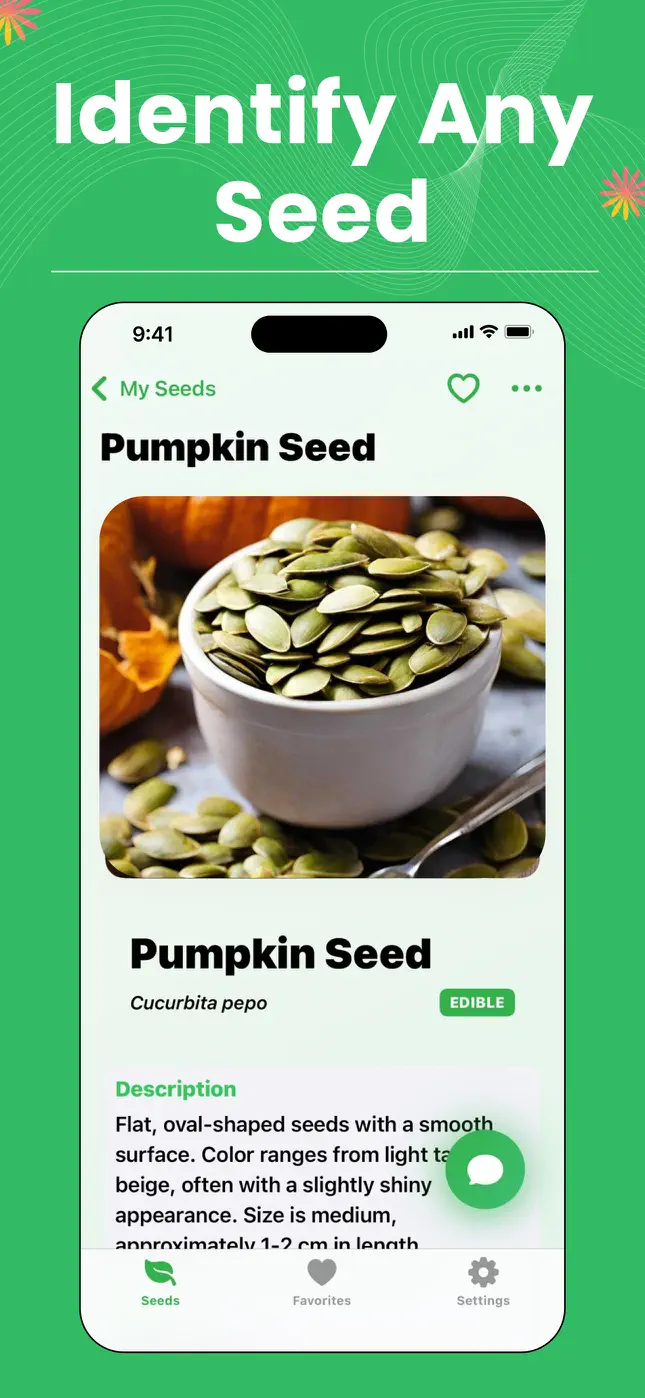
Seed Identifier showing an identified pumpkin seed with its photo, scientific name, edible label and description
  • Seed identification

    Seeds, nuts and seed pods from one photo

  • How to plant it

    When to plant, how deep and how far apart

  • Seed details

    Edibility, nutrition and storage tips

  • Seed assistant

    Ask as many questions as you like

How it works

How to identify seeds by photo

  1. Seed Identifier analyzing a photo of pumpkin seeds
    1

    Take a photo

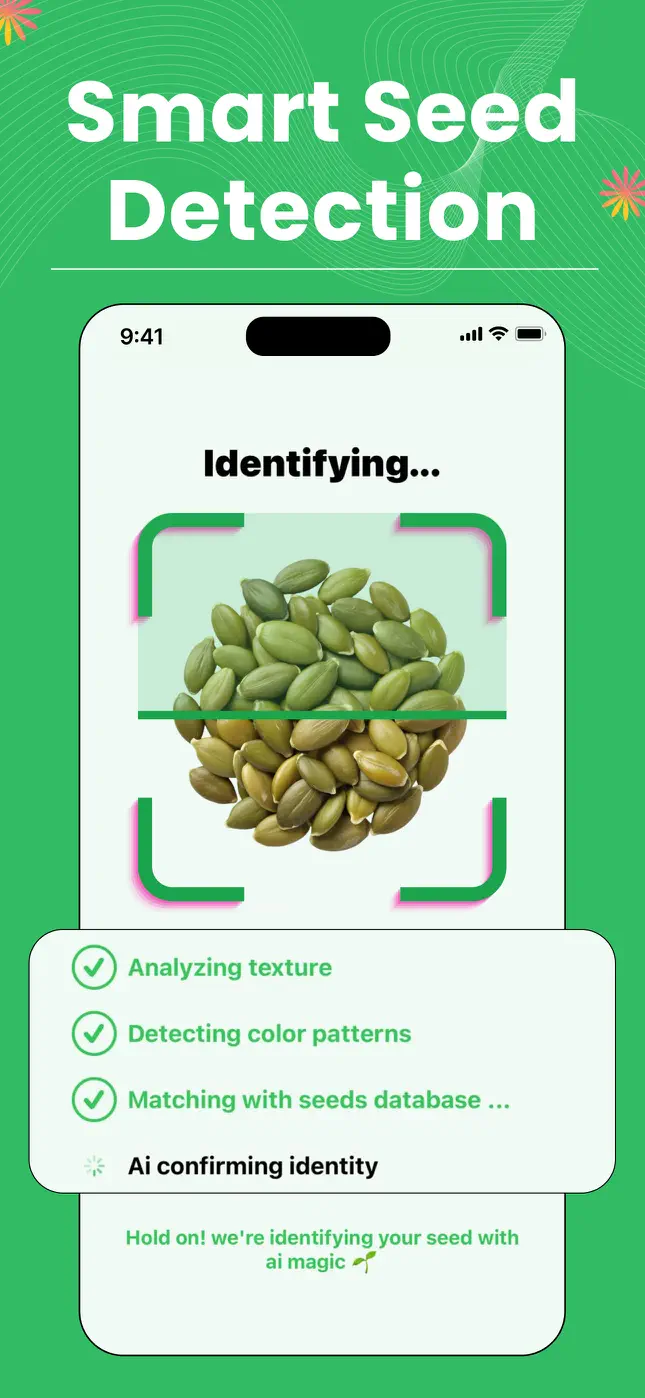
    Spread a few seeds on a plain surface and take a close, well-lit photo. Seed Identifier checks texture, color and shape against its seed database.

  2. Identification result for a pumpkin seed
    2

    Get the name and the details

    See the common and scientific name, whether it's edible, and a description of what the seed looks like.

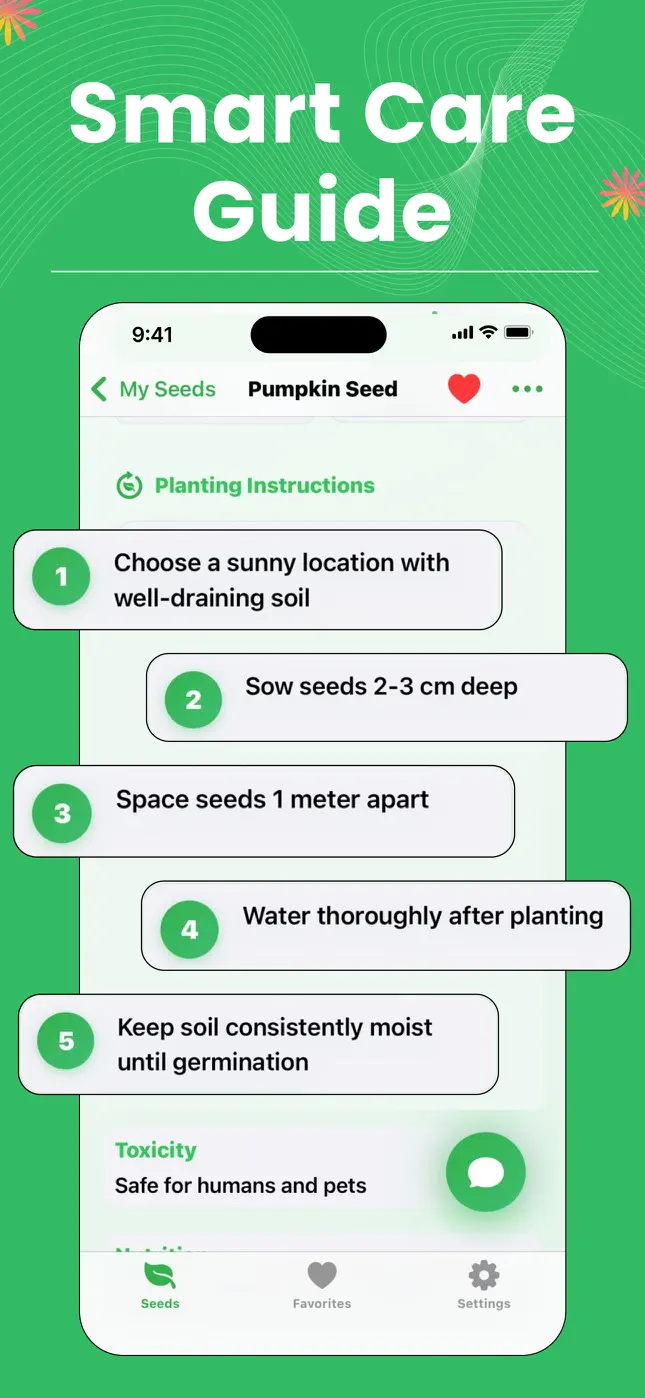
  3. Planting instructions for a pumpkin seed
    3

    Plant it at the right time and depth

    Follow step-by-step planting instructions: the best time to plant, how deep to sow, how far apart, and the sun, soil and water that seed needs.

Seed identification

What seed is this?

A tree seed from a walk, flower or vegetable seeds from an old packet, a bean from the back of the pantry: take a photo and Seed Identifier tells you what it is.

  • Tree, flower and vegetable seeds
  • Beans, nuts and seed pods
  • Kitchen seeds and microgreen seeds
Seed Identifier identifying a photo of pumpkin seeds, checking texture, color patterns and its seed database

Planting guide

How deep and how far apart to plant it

Every seed you identify comes with planting steps and growing conditions, including the best time to plant it, so you can sow with a plan instead of a guess.

  • When to plant it
  • How deep to plant and how far apart
  • Sun, soil and watering until germination
Planting instructions: sunny spot, sow 2–3 cm deep, space 1 meter apart, water well and keep soil moist

Seed assistant

Ask anything about your seed

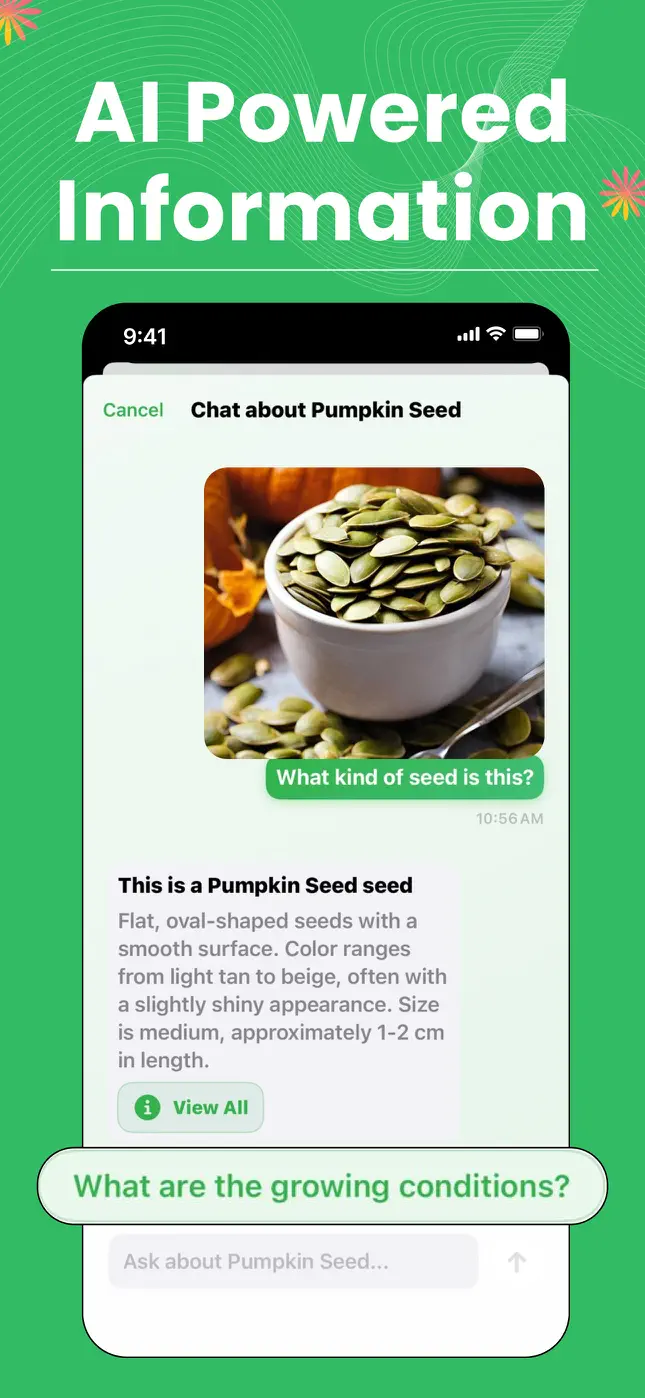
Not sure when to sow it, how long it takes to sprout or whether it will grow in a pot? Ask the built-in assistant about the seed you identified.

  • Follow-up questions in a chat
  • Answers about the seed on screen
  • Free with your first seed, as many questions as you like
Chat about a pumpkin seed with a description of the seed and a question about growing conditions

Seed details

More than a name

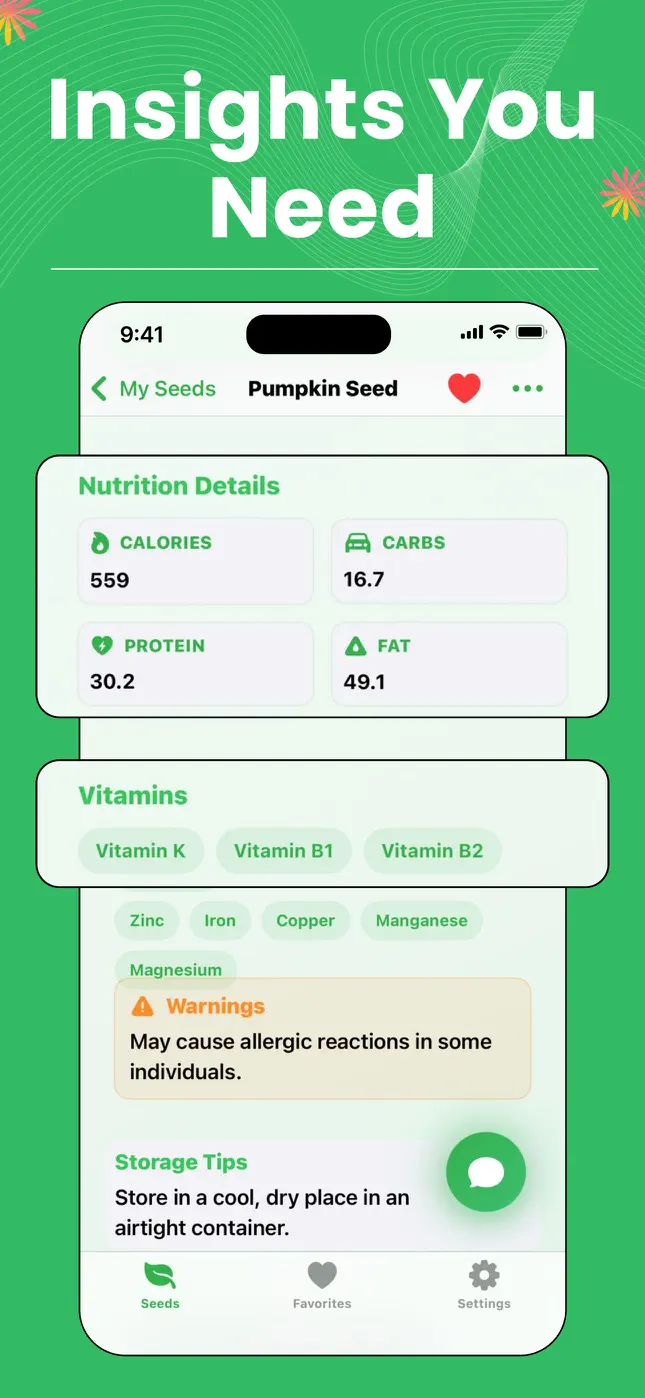
Find out whether a seed is edible, what's in it and how to keep it, which helps with seeds from the kitchen as much as seeds for the garden.

  • Edible label and toxicity note for people and pets
  • Nutrition details, vitamins and minerals
  • Allergy warnings and storage tips
Nutrition details for pumpkin seeds with calories, carbs, protein, fat, vitamins, a warning and storage tips

Seed collection

Keep every seed you've found

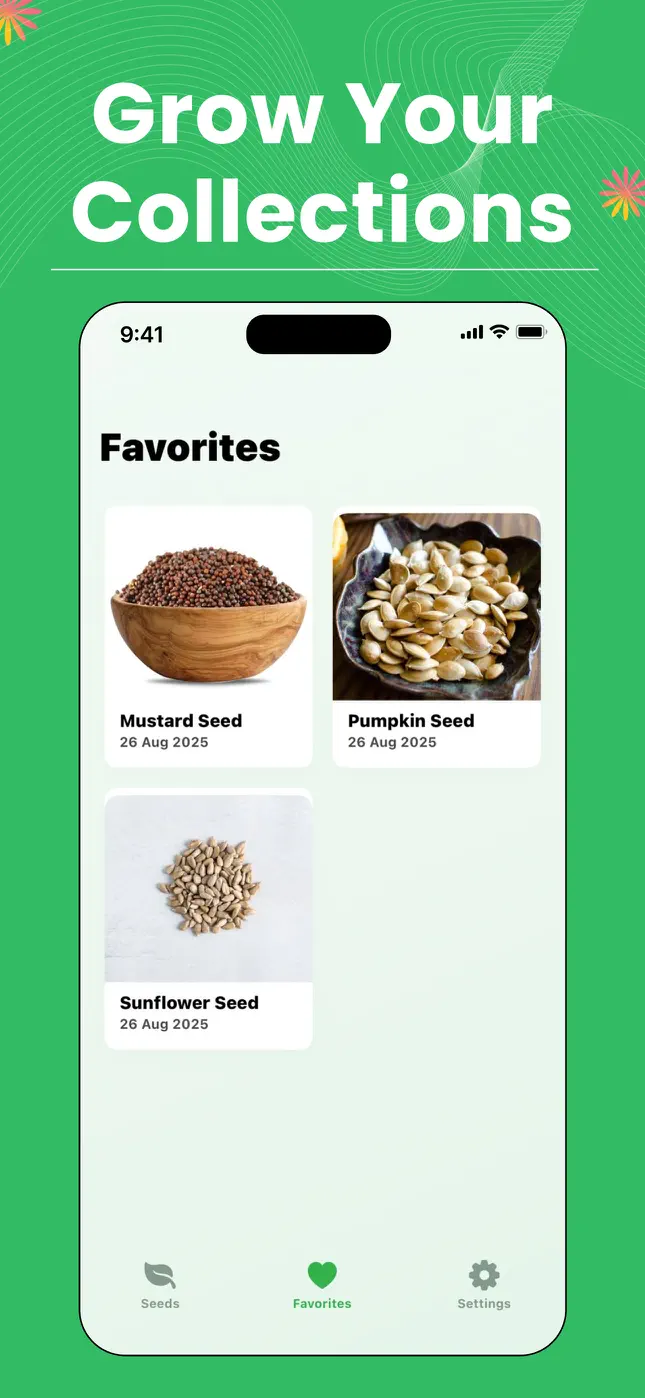
Save the seeds you identify and build your own collection, so planting notes are there when it's time to sow.

  • Favorites for the seeds you grow
  • The date you identified each one
  • Planting details saved with every seed
Favorites screen with mustard, pumpkin and sunflower seeds

Who it's for

Made for anyone who plants or collects seeds

  • Home gardeners

    Name the seeds in that unlabeled packet or jar before you sow them.

  • Microgreen growers

    Check seeds like mustard or sunflower and read how they like to be planted.

  • Farmers and growers

    Look up a seed in the field and see the conditions it needs.

  • Students and the curious

    Find out what that seed, nut or seed pod from the trail, the kitchen or the produce aisle is.

FAQ

Questions about Seed Identifier

Something else? Email us at [email protected].

Is Seed Identifier free?

Free to download. Try it free on your first seed, and ask as many questions as you like about it.

How do I identify a seed from a picture?

To find out what seed you have, open Seed Identifier and take a close photo of it on a plain surface. After a few seconds you'll see its common name, scientific name, whether it's edible, a description and planting instructions.

What kinds of seeds can it identify?

Tree, flower and vegetable seeds, fruit and herb seeds, beans, nuts and seed pods, plus the seeds you find in your kitchen. For the best result, use good light and fill the frame with a few seeds of one kind.

How deep should I plant a seed, and when?

It depends on the seed, so Seed Identifier tells you for each one. Every result includes the best time to plant it, how deep to sow, how far apart, and the sun, soil and water it needs.

Can I use it for microgreens?

Yes. Many microgreens start from seeds Seed Identifier can name, like mustard and sunflower. The planting tips cover the seed in general, and you can ask the assistant microgreen questions such as how densely to sow or when to harvest.

Can it tell me if a seed is edible?

Each result shows whether the seed is edible, a toxicity note for people and pets, and any allergy warnings. Treat it as a guide only and don't eat a seed you can't identify for certain.

Which devices does it work on?

Seed Identifier is an iPhone app.

How do I cancel a subscription?

Subscriptions are managed by Apple. On your iPhone, open Settings, tap your name, then Subscriptions, choose Seed Identifier and tap Cancel Subscription.

Start identifying seeds today

Free to download. Try it free on your first seed, and ask as many questions as you like about it.

Download Seed Identifier on the App Store

Privacy policy·Terms of service